Your build starts with one sentence.
Write what you want in plain words. An AI builds it block by block, you fly around it in your browser, and you download a schematic that loads with WorldEdit on any server.
“A walled harbour town on a rocky coast, with a lighthouse, three wooden docks and a market square.”
The Sculptor
A giant stonemason cuts the word STONECUT out of a block of stone: the first letters are finished, the last are still rough, and chips fly from his chisel.
Open the page for The SculptorFrom one sentence to a file you can paste
- 1
Describe it
Say what you want in your own words: the setting, the size, the buildings, the feel. One sentence is enough to start.
- 2
Watch it build
The AI places blocks with map tools only. Each step shows up as it happens, and you can cancel at any time.
- 3
Fly around, ask for changes
Look around in your browser, like spectator mode. Then ask: “make the bridge longer”, “add torches along the wall”. Each change saves a new version.
- 4
Download and paste
Download a .schem file and paste it into your world with WorldEdit.
One standard file. Any server.
Maps download as a Sponge schematic (.schem), the format WorldEdit and FastAsyncWorldEdit load. Any server that runs WorldEdit can paste it, with vanilla gameplay or a full modpack. No mod of ours is needed.
- Paper
- Spigot
- Fabric
- Forge
- NeoForge
- Singleplayer
//schem load harbour-town
//paste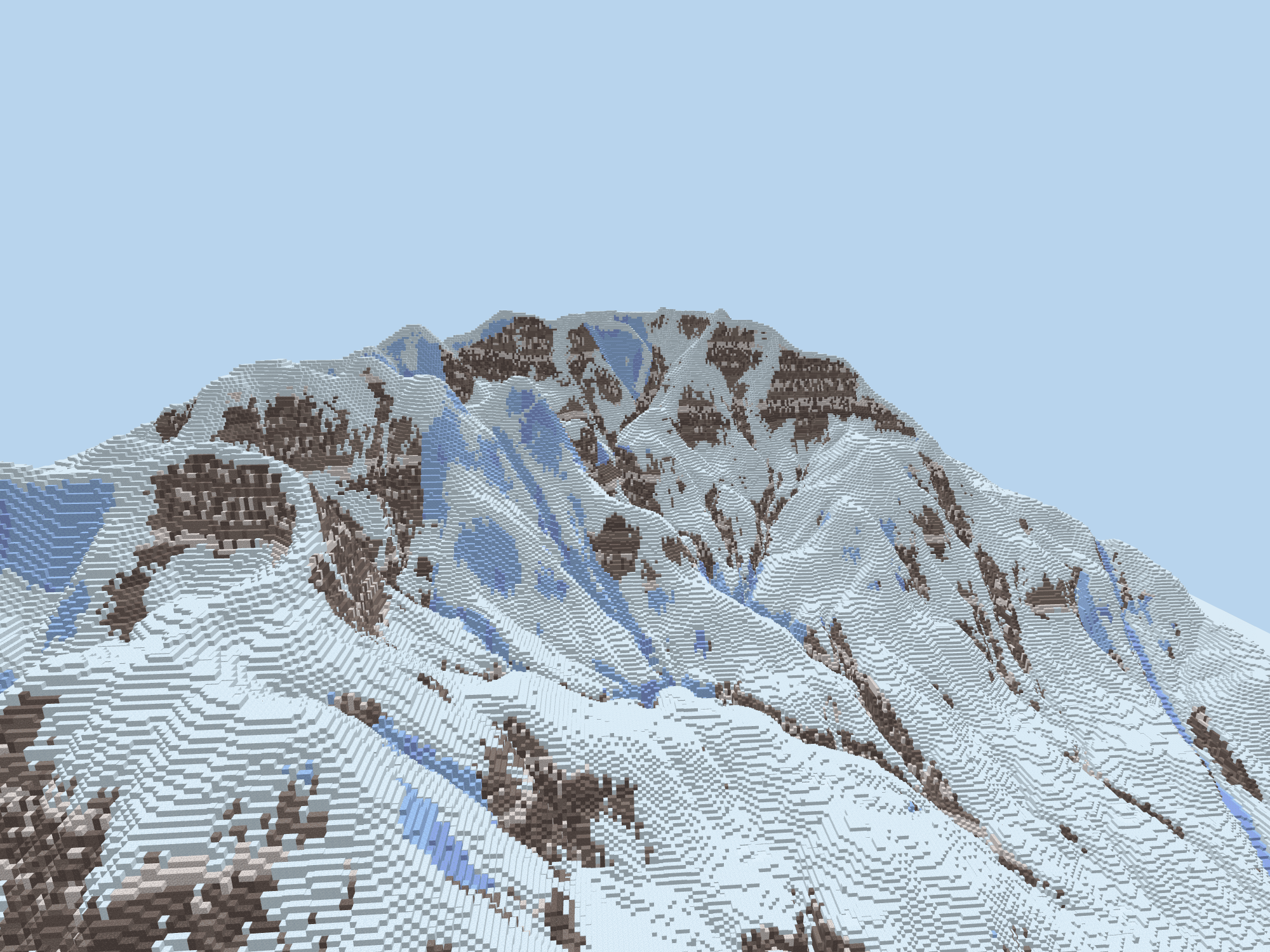
See it before you paste it
The studio draws your map right in the browser. Fly with WASD and the mouse, like spectator mode, or with a stick and a drag on a phone. Big maps stay smooth because only the parts that changed are redrawn.
Try the viewer on Glacier AscentWhat it does not do yet
Worth knowing before you start.
- Vanilla blocks only
- Maps use standard minecraft: blocks so they load anywhere. Modded blocks may come later.
- Changes are made in words
- You change a map by asking for it. Placing blocks by hand in the browser is not available yet.
- Java Edition
- The file targets the current Java Edition release. Bedrock is not supported.
- Blocks only
- A map is made of blocks. Mobs, chest contents and other game data are not part of it.
Questions
- Do I need to install a mod?
- Not one of ours. To paste the file you need WorldEdit or FastAsyncWorldEdit, on your server or in singleplayer.
- Can the AI do anything besides build?
- No. It only has tools that write blocks into your map. It has no access to your server, your computer or the internet, and it does not chat.
- Who can see my maps?
- Only you. Maps are private to your account.
- Why does the viewer look different from the game?
- We draw every block in one flat colour, because Minecraft’s textures are not ours to ship. The blocks in your download are the real ones.
Hear when something new lands
New things to build, new finished maps and changes to plans, in a short email.
Start with one sentence
Describe the map you want, then change it by asking.